 Squipty
Automatic screenplay formatting
Scene headings, action, characters, dialogue and transitions, formatted as you write.
Professional Screenwriting & Creative Writing Software
Write, organise and export your screenplays. Squipty handles the formatting so you can focus on the story.
Special launch offerRegular price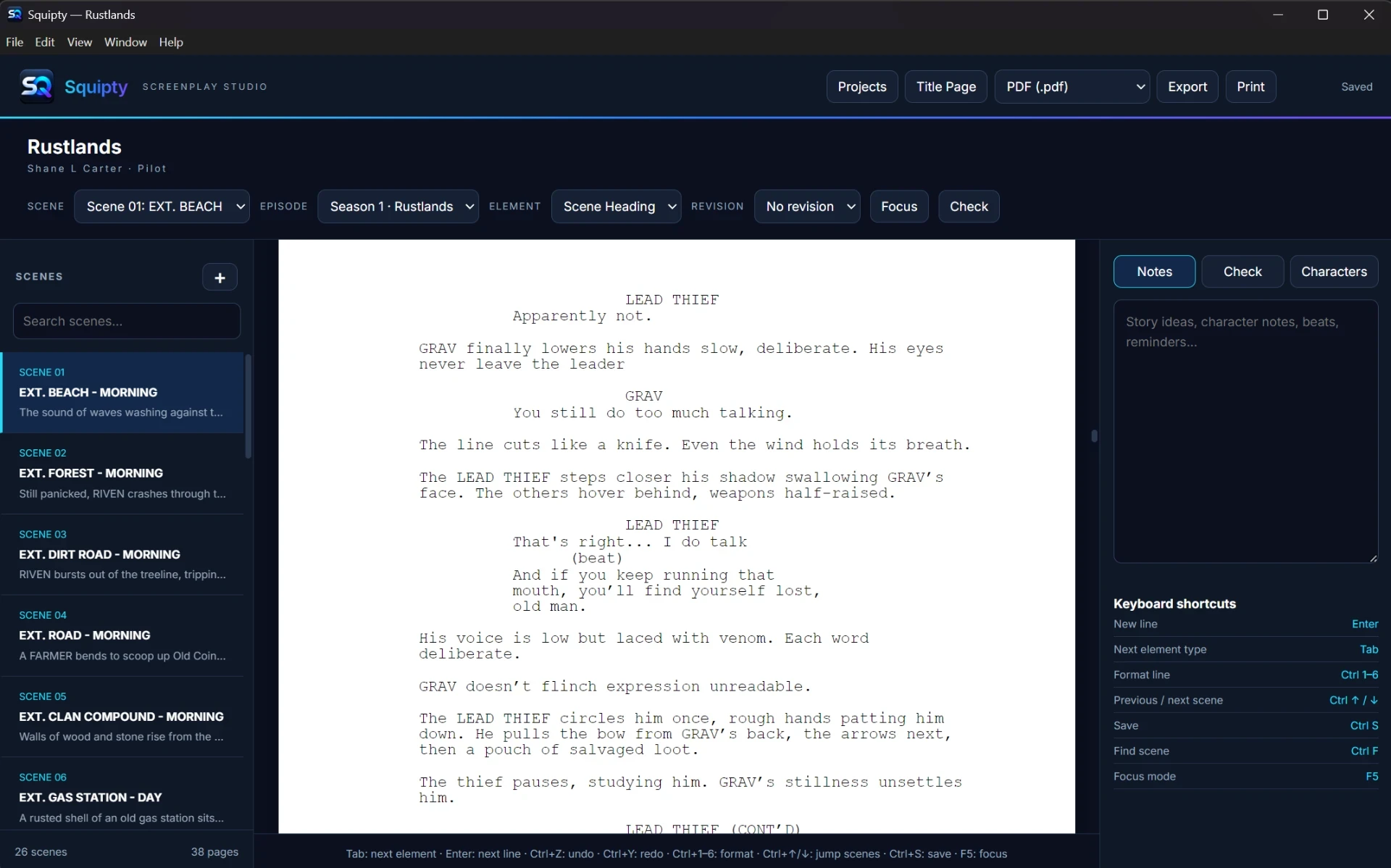
Squipty is a downloadable screenwriting application for Windows. It takes care of screenplay formatting so you can spend your time on characters, scenes and dialogue.
Scene headings, action, characters, dialogue and transitions, formatted as you write.
Add your title, writing credit, draft, date and contact details on a properly laid-out title page you can return to at any time.
Every scene listed with a preview of its opening action. Search scene headings and jump between scenes with Ctrl+Up and Ctrl+Down.
Built automatically from your dialogue cues, with dialogue and scene counts. (V.O.), (O.S.) and (CONT'D) stay with the same character.
Spots likely misspelt character names and mixed punctuation styles, with a personal dictionary, an ignore list and one-click undo for name fixes.
Autocompletes character names and scene headings you've already used, so you type less and stay consistent.
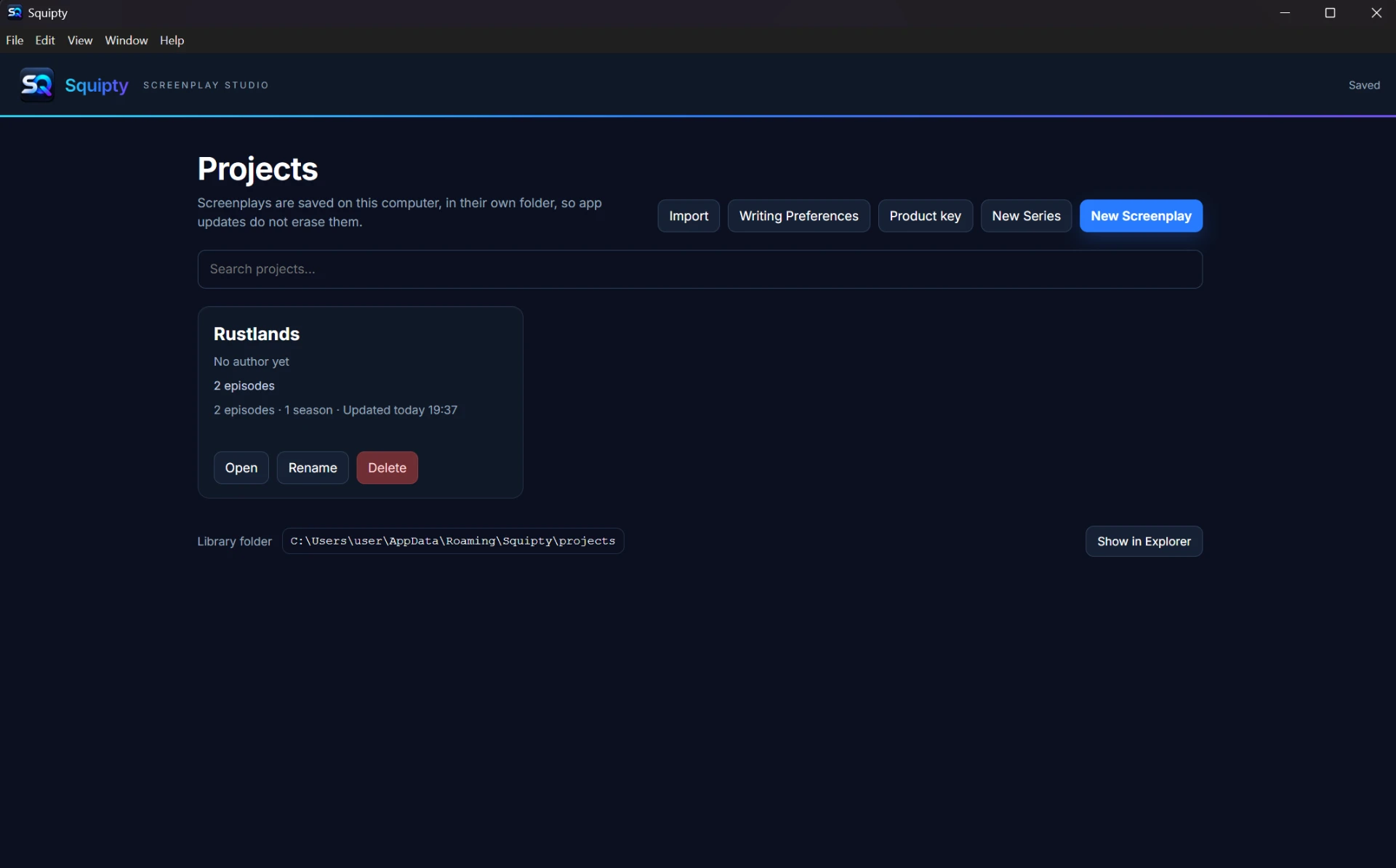
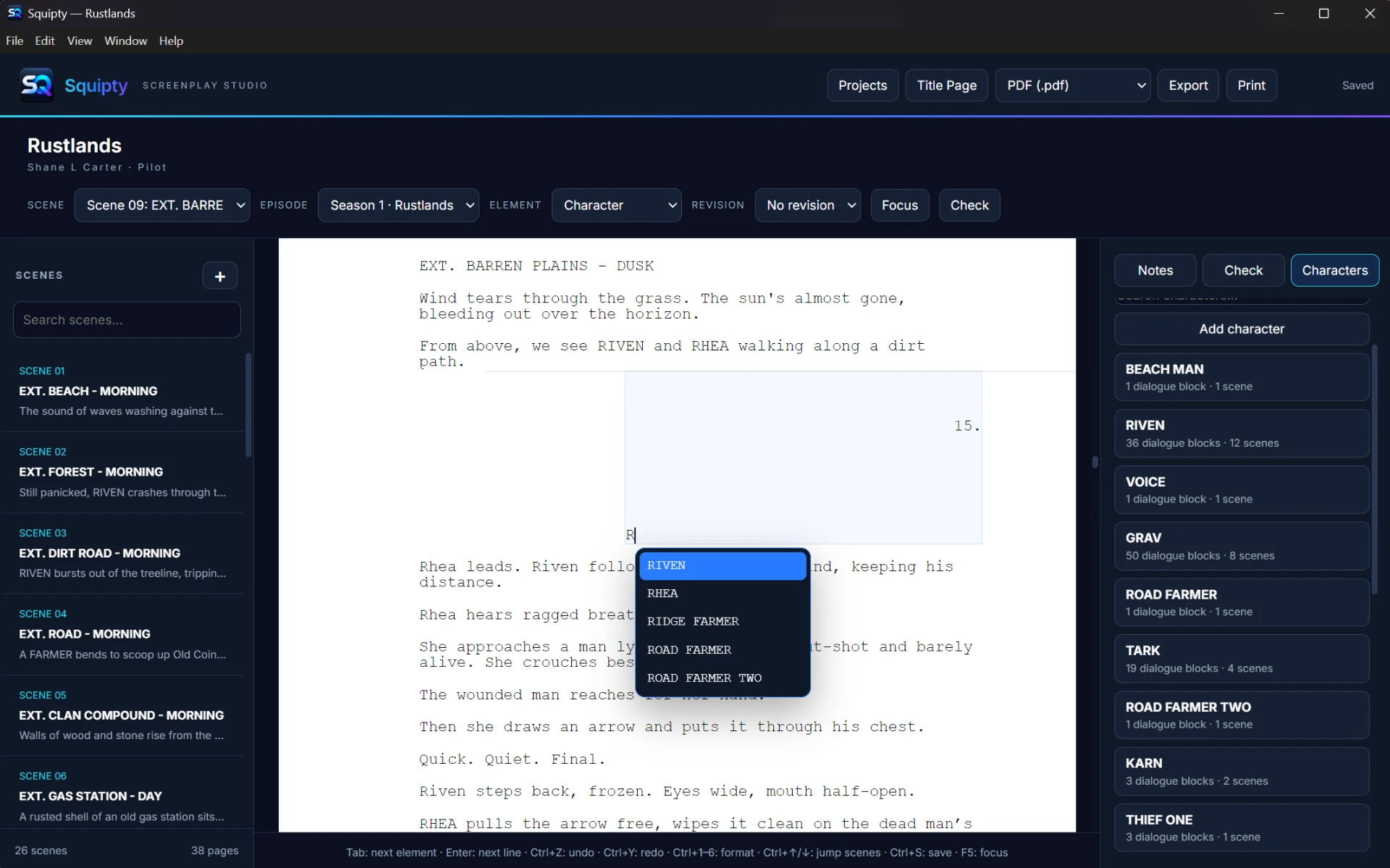
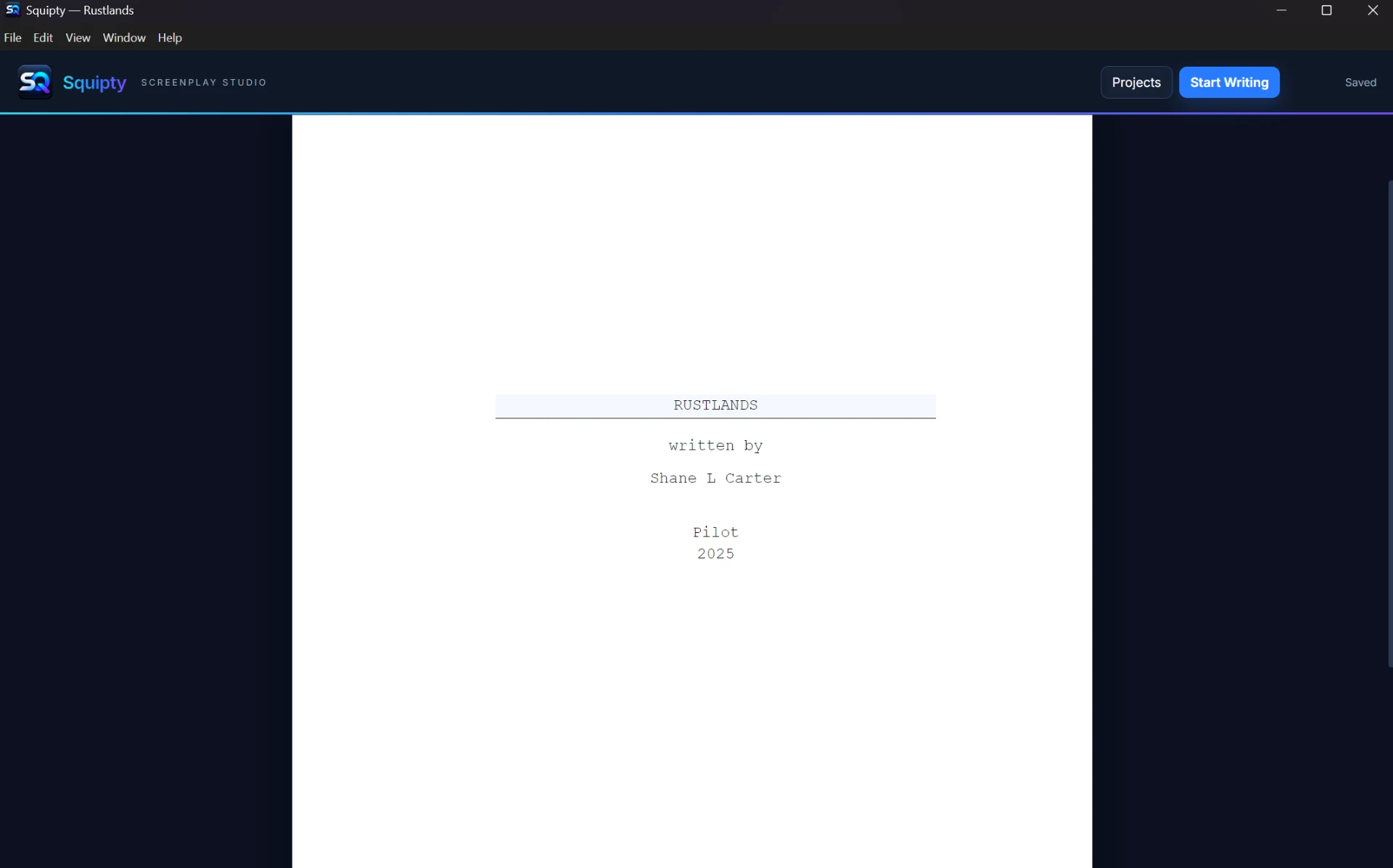
Create a screenplay or series, fill in the title page, or import an existing Fountain or Final Draft file.
Tab and Enter move between scene headings, action, characters and dialogue, laid out to industry conventions.
Run a script check, then export to PDF, Fountain or Final Draft, or print.
Regular price £49.99Special offer £39.99
Launch offer for the first 3 months. One-time purchase, no subscription. Try it free for 3 days.
View pricing →The first public release is in preparation. Release notes will appear here.
View changelog →Screenwriting comes first. Novel writing and book formatting tools are being explored for the future.
Screenwriting
From your first idea to a finished draft: premise, structure, scenes, dialogue and rewriting.
Script formatting
Standard screenplay format explained, with examples of scene headings, action, characters, dialogue and transitions.
Product keys
What happens after you buy Squipty: where your product key comes from, how to activate it, and why you only need the internet once.
Squipty is downloadable screenwriting software for Windows. It formats your screenplay automatically and gives you tools to organise scenes and characters.
Squipty is for Windows desktop computers. Mac and mobile versions are not available.
No. You pay once and receive a product key for up to three computers. The launch price is £39.99 for the first 3 months from launch, then £49.99. Minor updates are free. Future major versions may be offered as discounted upgrades, but you can keep using the version you bought.
Yes. Try Squipty for 3 days on a new computer. Reinstalling does not restart the trial. When it ends, Squipty asks for a product key. Your screenplays stay on your computer.
Yes. Squipty imports Fountain, Final Draft (.fdx) and plain-text screenplays, and exports to PDF, Fountain and Final Draft.
You need an internet connection to download Squipty and activate your product key. Once activated, you can write offline. Your screenplays are saved on your own computer.
Your product key appears on screen after payment and arrives by email. Paste it into Squipty with an internet connection. Once accepted, you can write offline.
Each product key works on up to three computers. Activating the same key again on a computer that already has it does not use another place. If you have reached the limit, contact us and we can free up a computer for you.
These are being explored for future releases, but they are not available today. We will only list them once they ship.
One focused place to draft, format and refine your scripts on Windows.